
Download the AGD2026 App Today!
Stay Connected During AGD2026
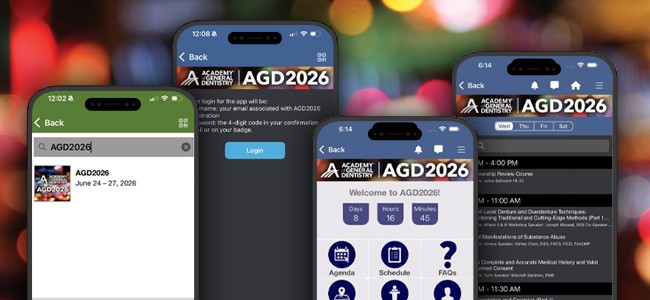
Download the Eventscribe App: Open the Apple App Store on your iPhone or the Google Play Store on your Android device and search for Eventscribe.
Open the App: Tap Install and launch the app.
Find AGD2026: Navigate to the Upcoming Events section or use the search bar to look up AGD2026.
Launch the Event App: Tap the AGD2026 specific event's icon.
Check email for login information or ask an AGD staff member.
Leave a comment