.png?sfvrsn=6ed690f9_1)
The latest issue of AGD Impact is Live
The October issue of AGD Impact is live! Coverage this month includes an examination of how AI is reshaping judgment, trust and accountability in dentistry and more!
.tmb-thumb160.png?Culture=en&sfvrsn=31bab90_1 "Untitled design (96)")
Social media can propel your constituency forward and attract new members.
This creative content is meant to be shared across different social media platforms (Facebook, Instagram, LinkedIn, Twitter, etc.).
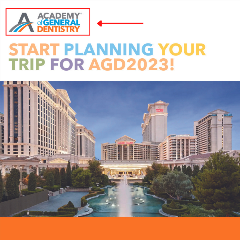
Click and save any image below to download and post this content for your members and the community you serve!
Spread the word about AGD and the ways that general dentists are improving the oral health of their commuities.
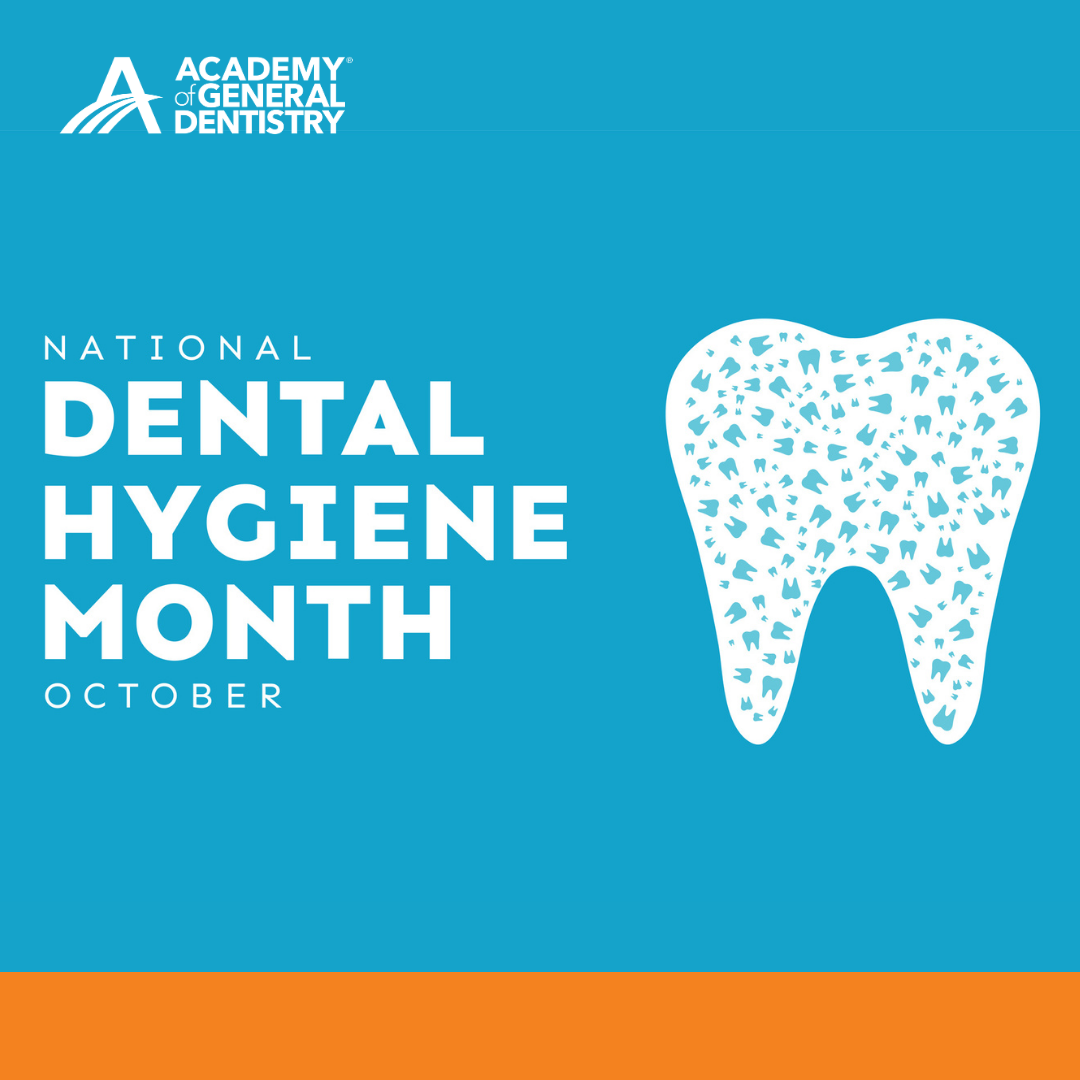
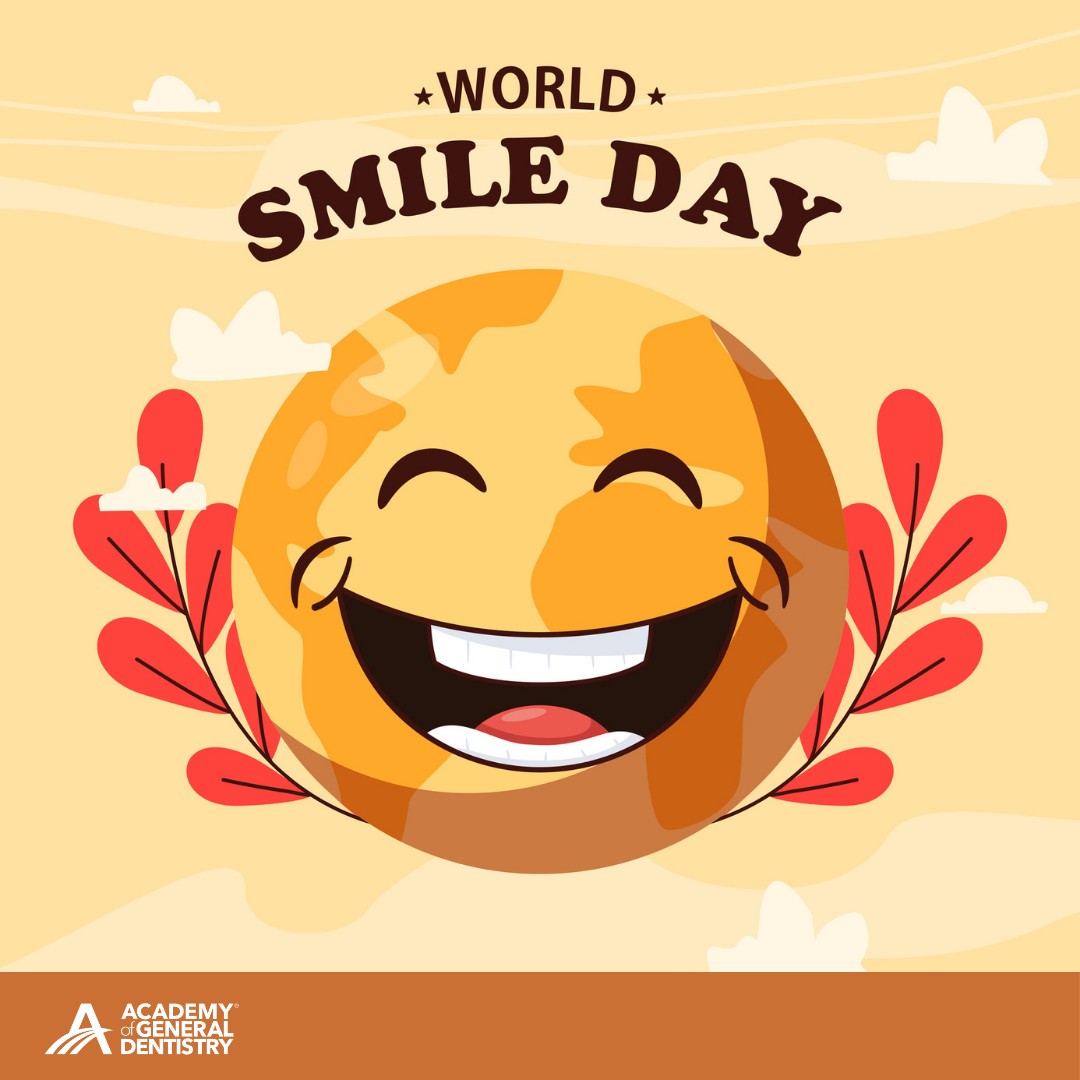
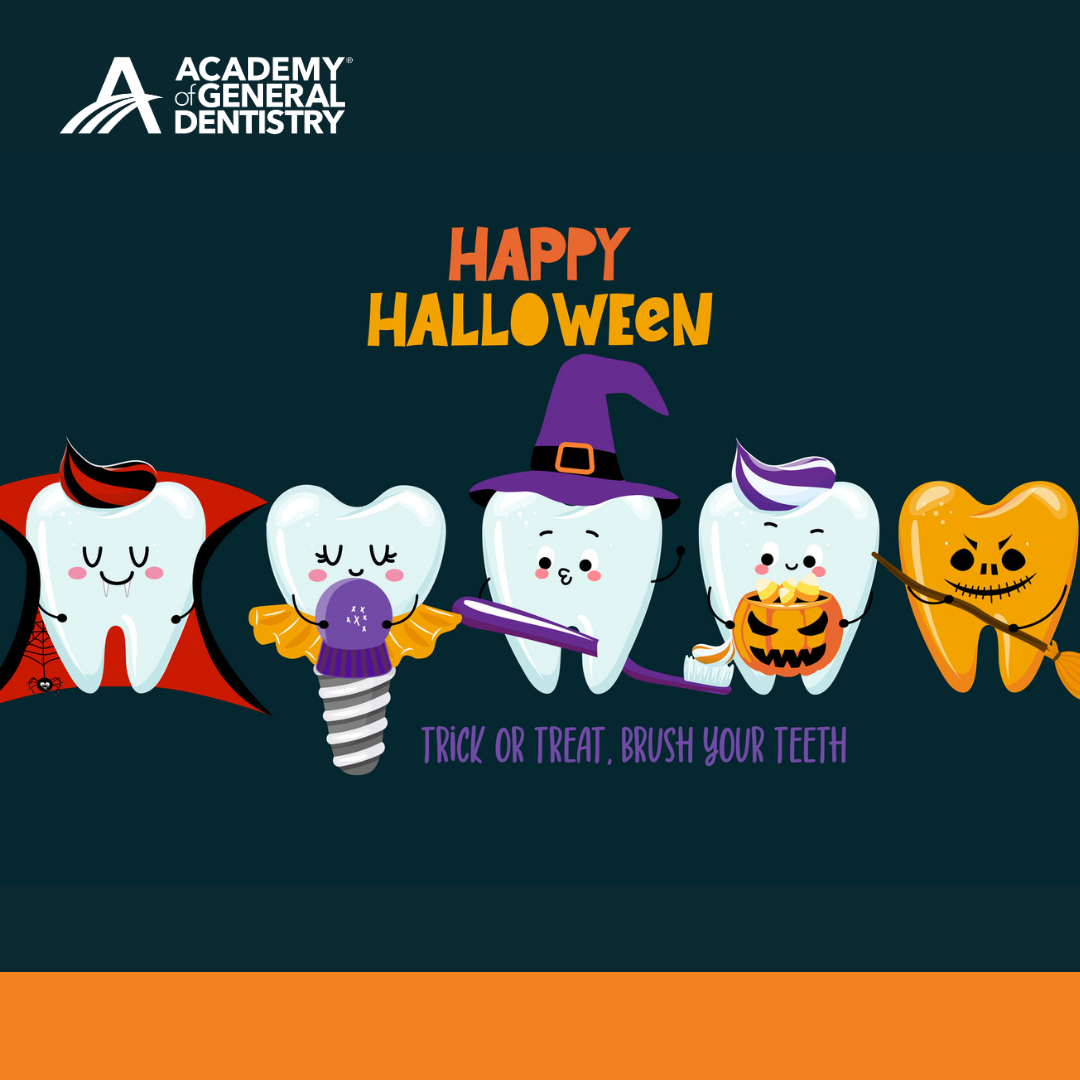
Copy and paste the caption of your choice to go along with one of our shareable posts above! Be sure to use the hashtags!
1. Click an image above that you would like to use.
2. Right click and save the image to your phone or computer.
3. Share on the social media platform of your choice. (i.e. Facebook or Instagram)
4. Add a caption from above or create your own.
To customize the templates above with your constituent logo, consider using Canva. With easy-to-use tools, and wide a range of templates, Canva is a free and easy to use website and app where you can create professional designs for your constituency.
Adding your logo with Canva:
Step 1: on your Canva dashboard, click Instagram post.
Step 2: Click "Uploads" on the left side of the screen.
Step 3: Drag and drop one of the saved images above to the left side of the screen or click upload and find the file you would like to upload
Step 4: After it's fully uploaded click the image you'd like to use. It should now appear on the screen to the right.
Step 5: Drag the corners of the image to resize to fit the Instagram template
Step 6: Upload your constituency logo the same as step 3.
Step 7: place your logo in the top right corner of the image like the image shown below.
Step 8: Save your file and upload it to your social accounts!